From the first service to the day you sell. Here is what you get, and how to use it.
Add a car with a photo. We suggest the make, model and year, you check it, and it is saved.
Log every service with its receipt. See what each car has cost you. Scan an invoice and the details are read for you.
Set the next service by date or by kilometres, and get a reminder before it is due.
Keep the papers for each car in the app. Scan the ownership card and the chassis number and other details fill in.
List a car straight from your garage. Your photos and details are already there, and buyers can see its full service history if you choose.
Buyers message you about a car, make an offer, and you accept, decline or counter, all in the same thread.
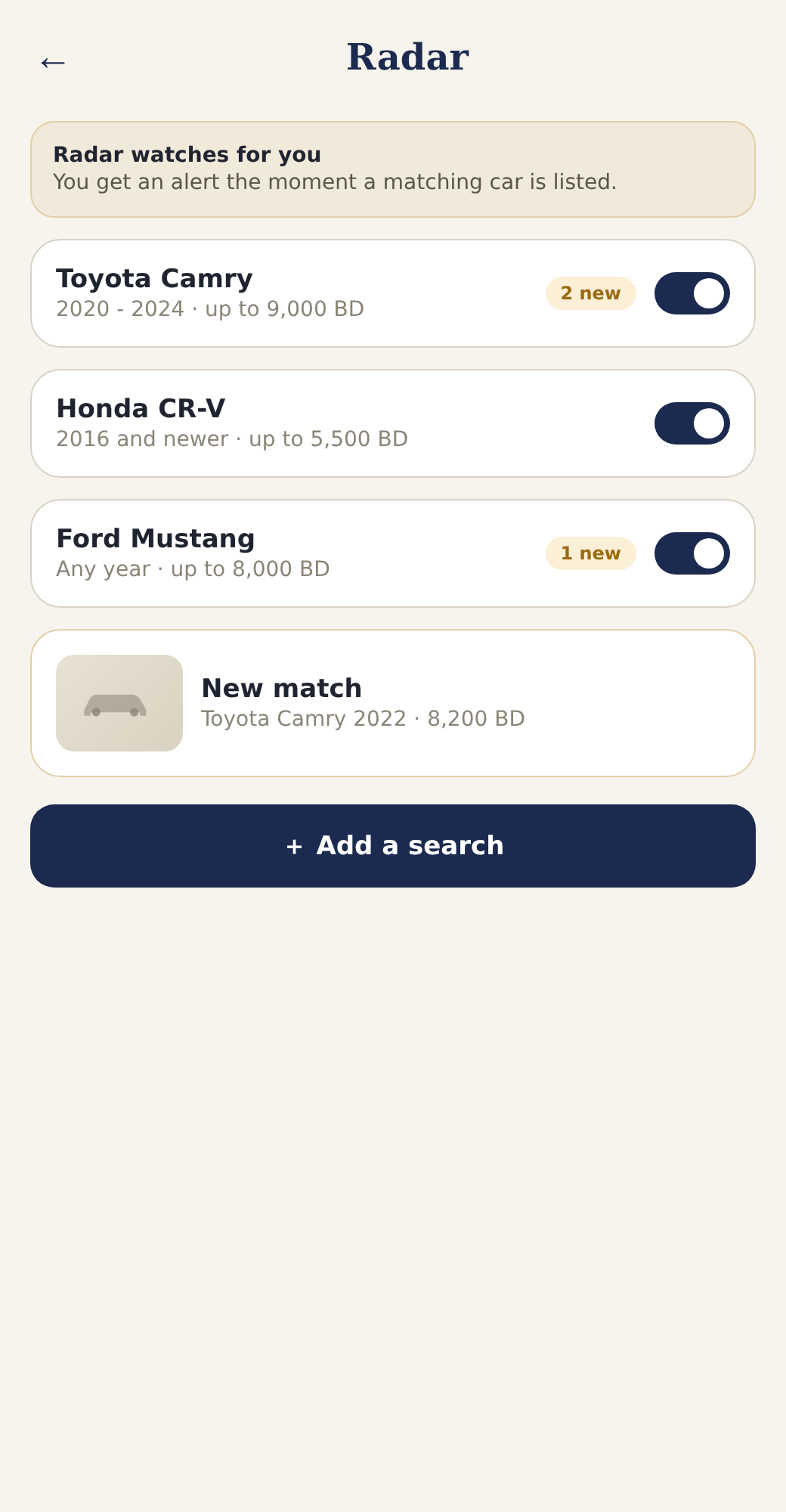
Tell Radar what you are looking for. It alerts you instantly when a matching car is listed.
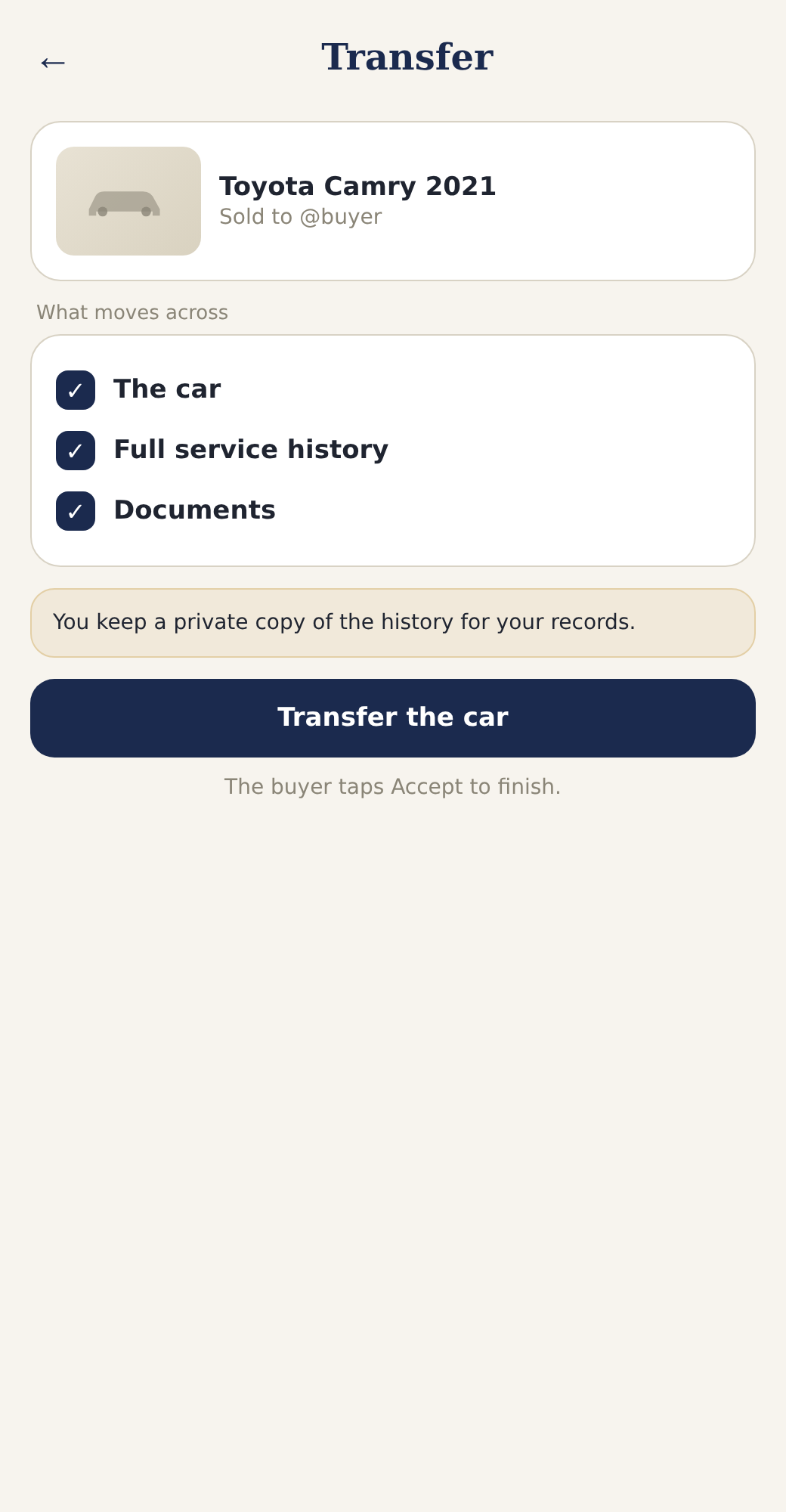
When the deal is done, transfer the car in one tap. The buyer gets its service history and documents. You keep a private copy.
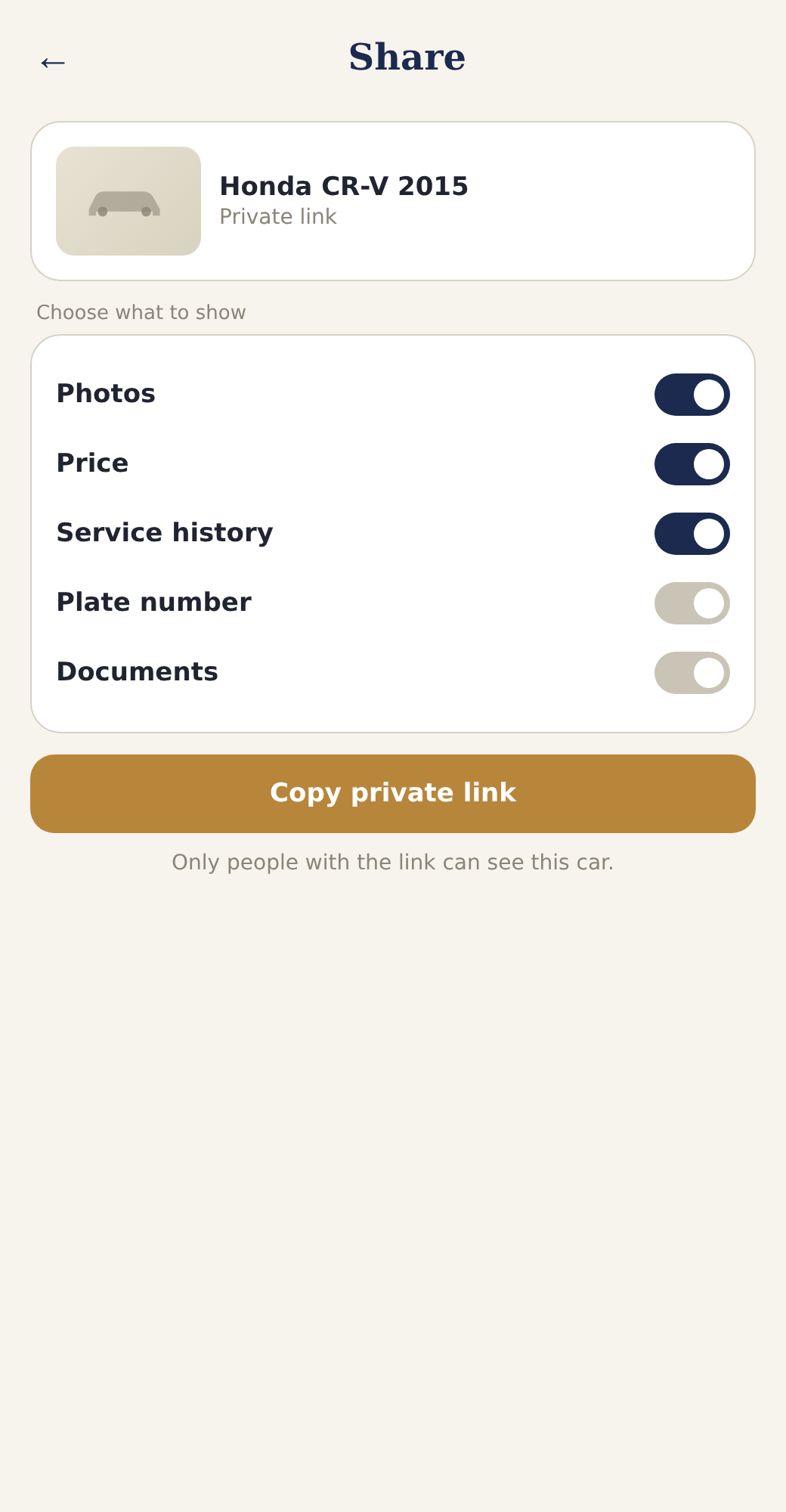
Send a private link to one car and choose what it shows. No public listing needed.